One Page For All Your Links
A link in bio page is a small web page that holds all your links. Your social profile has room for one link. Put this page there and people find your shop, WhatsApp, videos and price list in one tap.
- Free for one page
- Opens in any phone browser
- No app to install

Riya Bakes
Home baker in Pune. Eggless cakes, cookies and festive boxes. Order two days ahead.
Why It Helps
Why You Need A Link In Bio Page
One link in your profile can only go to one place. Your work lives in many places. This page joins them.
One Tap From Your Profile
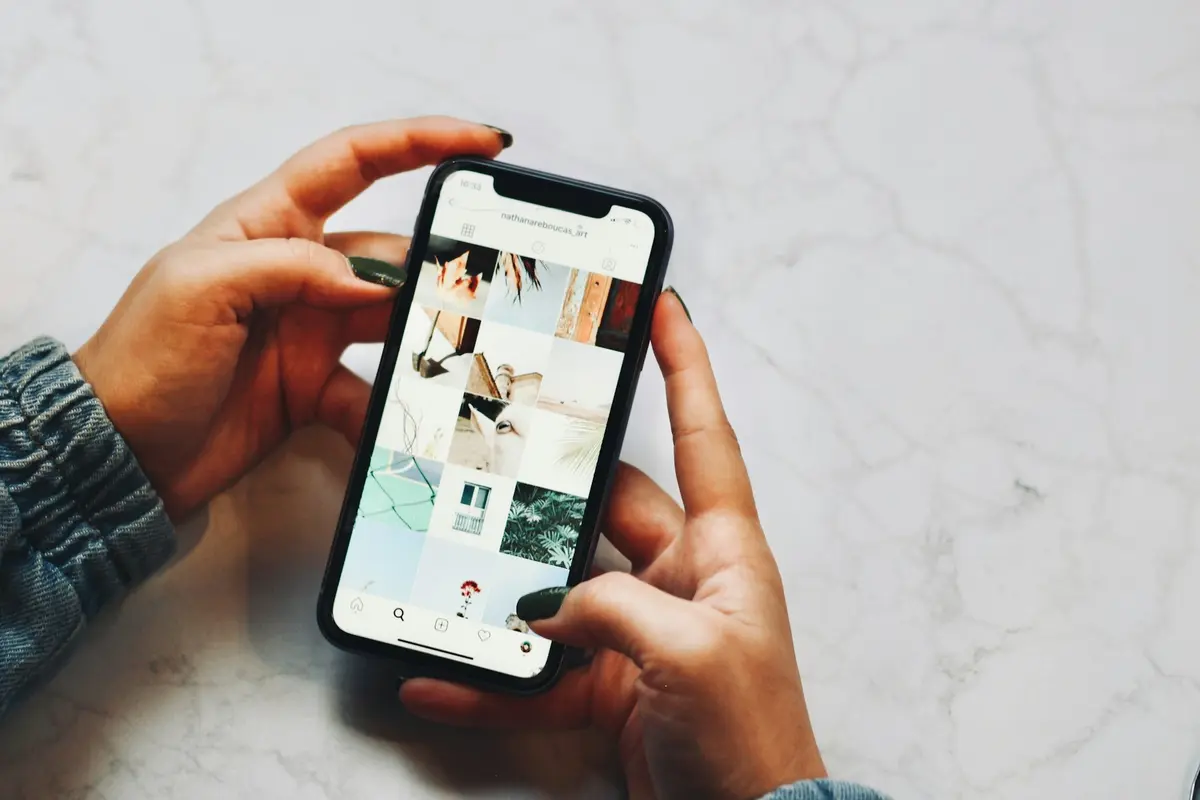
People open your page, pick a link and reach you. No searching and no asking for your number.
Social apps give you one link
Most profiles allow one link you can tap. This page turns that one link into all of them.
People are on their phones
Your page is made for phones first and opens quickly, even on mobile data.
Orders come to WhatsApp
A big WhatsApp button starts a chat with you in one tap. Nobody has to save your number.
Change once, done everywhere
Update a link on your page and every profile that points to it shows the new one.
Looks like your brand
Pick a theme and a button shape. Pro adds your own colours.
Know what people tap
Every plan shows views. Pro and Business show clicks for each link.
What To Put On Your Page
Start with the three things people ask you for most. Add the rest as you go.
Bookings On WhatsApp
Turn on the big WhatsApp button. Customers book a table, a class or an appointment in one chat. They do not have to save your number first.
- Free
Your latest content
Your newest video, post or article. Keep it as the first link and change it when something new goes live.
- Free
Your shop or menu
Link your online shop, today's menu or a price list. People see what you sell before they ask.
- Free
Videos
Link your channel or one video. Put your best one on top and move it down later.
- Free
Contact
Phone, email and your place on the map. People reach you without searching.
- Free
A link for later
Switch a link off without deleting it. Turn it on again for the next sale.
- Pro
Your own colours
Set your own background, button and text colours over any theme.
Live Editor
See It Change As You Type
The editor shows your page on a phone right next to the form. What you see there is what visitors get.
- Add a link and it shows at once
- Move links up and down
- Switch a link off for a while
- Change the theme in one tap
Links
- This Week's Menu
- Custom Cake Price List
- Link title
Saved. Your page is updated.
Riya Bakes
Home baker in Pune. Eggless cakes, cookies and festive boxes. Order two days ahead.
A Page That Matches Your Brand
The same page in eight themes. Each theme sets the background, the buttons and the font weight. Pro adds your own colours on top.
Riya Bakes
Home baker in Pune. Eggless cakes, cookies and festive boxes. Order two days ahead.
Riya Bakes
Home baker in Pune. Eggless cakes, cookies and festive boxes. Order two days ahead.
Riya Bakes
Home baker in Pune. Eggless cakes, cookies and festive boxes. Order two days ahead.
Riya Bakes
Home baker in Pune. Eggless cakes, cookies and festive boxes. Order two days ahead.
Riya Bakes
Home baker in Pune. Eggless cakes, cookies and festive boxes. Order two days ahead.
Riya Bakes
Home baker in Pune. Eggless cakes, cookies and festive boxes. Order two days ahead.
Riya Bakes
Home baker in Pune. Eggless cakes, cookies and festive boxes. Order two days ahead.
Riya Bakes
Home baker in Pune. Eggless cakes, cookies and festive boxes. Order two days ahead.
Riya Bakes · Last 14 Days
ExampleViews
1,240
Link Clicks
486
Top City
Pune
Clicks, Last 14 Days
Example- Chat On WhatsApp82%
- This Week's Menu56%
- Custom Cake Price List31%
Built-In Stats
Know Which Link Works
Every plan shows how many people opened your page. Pro and Business show clicks for each link by day, device and city.
- Clicks for every linkSee which link people tap most and move it to the top.
- Devices and citiesKnow if people come on phones and from which cities.
- Counts, never peopleNo tracking cookies and no IP addresses stored.
How People Use It
Shops, clinics, creators and teachers use the same page in their own way. Here is what works for each.

bio.kvai.in/aarav.films
- Latest Video: Old Delhi At 5 AM
- Work With Me
Creators
One Link Under Every Reel
Put your latest video, your brand work form and your gear list on one page. Change the top link whenever a new video goes live.
- Keep your newest video as the first link.
- Add an email icon so brands can reach you.
- Use the same name as your social handle.
bio.kvai.in/sharmastore
- Today's Offers
- Home Delivery Areas
Shops
Orders Come Straight To WhatsApp
Turn on the big WhatsApp button so customers can order in one tap. Add today's offers, delivery areas and a map link.
- Write your shop timings in the bio.
- Put home delivery areas in a link of their own.
- Update the offers link every week.

bio.kvai.in/chaicorner
- See The Menu
- Order For Home
Restaurants And Cafes
Menu, Orders And Table Booking
Link your menu, your online ordering page and a table booking form. Put the page in your profile and share it with regulars on WhatsApp.
- Keep the menu link first.
- Add timings in the short bio.
- Use the Paper theme for a warm cafe look.
bio.kvai.in/drmehta.clinic
- Book An Appointment
- Clinic On The Map
Doctors And Clinics
Appointments Without Phone Queues
Patients book an appointment, find the clinic on the map and read your timings without calling the front desk again and again.
- Write clinic timings in the bio.
- Add a call icon for emergencies.
- Share the page link in your WhatsApp status.

bio.kvai.in/kabir.designs
- See My Work
- Price List
Freelancers
Your Work And Rates In One Page
Show your best work, your price list and your CV. Clients reach you on WhatsApp or email in one tap.
- Link three of your best projects, not twenty.
- Add a price list so clients come ready.
- Use the Mono theme for a clean look.

bio.kvai.in/neha.yoga
- Next Batch Starts 1 December
- Book A Free Trial Class
Coaches And Tutors
Batches, Fees And Free Trials
Students see batch timings, fees and a free trial form. Share the page in your WhatsApp groups and on posters.
- Put the next batch date in the first link.
- Add a free trial form.
- Print your page address on posters and pamphlets.
Example Pages
Sample pages drawn by KVAI Bio itself. The names are made up. Your page will look just like these.

Sharma General Store
Groceries, dairy and daily needs. Free home delivery above ₹499 in Indirapuram.
Aarav Films
Travel and food videos from small towns of India. New video every Friday.
Chai Corner Cafe
Kulhad chai, bun maska and good company. Open 7 am to 11 pm.
Plans
Free, Pro And Business Compared
One page is free and stays free. Plans are prepaid for a month or a year and never renew on their own.
| Feature | Free | Pro | Business |
|---|---|---|---|
| Price a month | ₹0 | ₹99 | ₹299 |
| Price a year | ₹0 | ₹990 | ₹2,990 |
| Bio pages | 1 | 3 | 10 |
| Links on a page | Up to 10 | Unlimited | Unlimited |
| 8 themes and 3 button shapes | |||
| Social icons and WhatsApp button | |||
| Share by link or WhatsApp | |||
| Total page views | |||
| Your own colours | |||
| No KVAI Bio line on your page | |||
| Clicks by day, device and city per link | |||
| Start Free | Choose Pro | Choose Business |
More about payments on the Pricing Page.
What To Look For In A Link In Bio Tool
Whichever tool you pick, check these six things first.
It opens fast on a phone
Most visitors come from a phone, often on mobile data. KVAI Bio pages are drawn on our server and show up quickly.
A free plan that stays free
You should be able to start without a card. One KVAI Bio page is free with no time limit.
No ads on your page
Visitors should see your links and nothing else. We never put ads on your page.
A short address
bio.kvai.in/yourname is easy to say on a call and easy to type.
Respect for your visitors
No tracking cookies and no IP addresses stored. You see counts, never people.
Plain pricing in rupees
Prepaid plans with no auto-debit. Pay by UPI, card or net banking.
Make Your Page In 3 Steps
No app to install and nothing to design. Most people are done in five minutes.
- 1
Claim your name
Pick an address like bio.kvai.in/yourname and log in with a code sent to your email.
- 2
Add links and pick a look
Add your shop, WhatsApp, videos and price list. Choose a theme and watch the preview.
- 3
Share it everywhere
Put the link in your profile, your WhatsApp status and on your visiting card.
Questions People Ask
What is a link in bio?
It is one link that you put in your social profile. It opens a small page with all your other links: your shop, WhatsApp, videos, menu and anything else you want people to find.
Do I need to know design or coding?
No. You type your name, add your links and pick a theme. The phone preview shows your page as you type.
How many links can I add?
Up to 10 links on the Free plan. Pro and Business have no plan limit on links.
Can I use my own colours?
Yes, on Pro and Business. Set the background, button and text colours over any theme. Free pages pick from the 8 themes.
Will my page open on every phone?
Yes. It is a normal web page that opens in any phone browser. Visitors do not need an app or an account.
Can I see how many people visit?
Every plan shows total views. Pro and Business also show clicks by day, device and city for each link. We count visits without cookies and we never store IP addresses.
Can I make pages for more than one business?
Yes. Pro gives you 3 pages and Business gives you 10, all under one login.
Claim Your Name Before Someone Else Does
One page is free. No card needed. It takes a minute.
Your Social Profiles
Ten round icons under your name: your social profiles, WhatsApp, email, phone and your website. Add only the ones you use.